2次点击将一周编程复制到其他周

将一整周的训练编程在几秒内复制。

Beyond copying workouts, you can duplicate an entire week of programming into other weeks in your program.

Say your program is 12 weeks.

You could manually copy/paste across all 12 weeks, but there’s an easier way.

On Gymkee, you can duplicate an entire week without redoing everything.

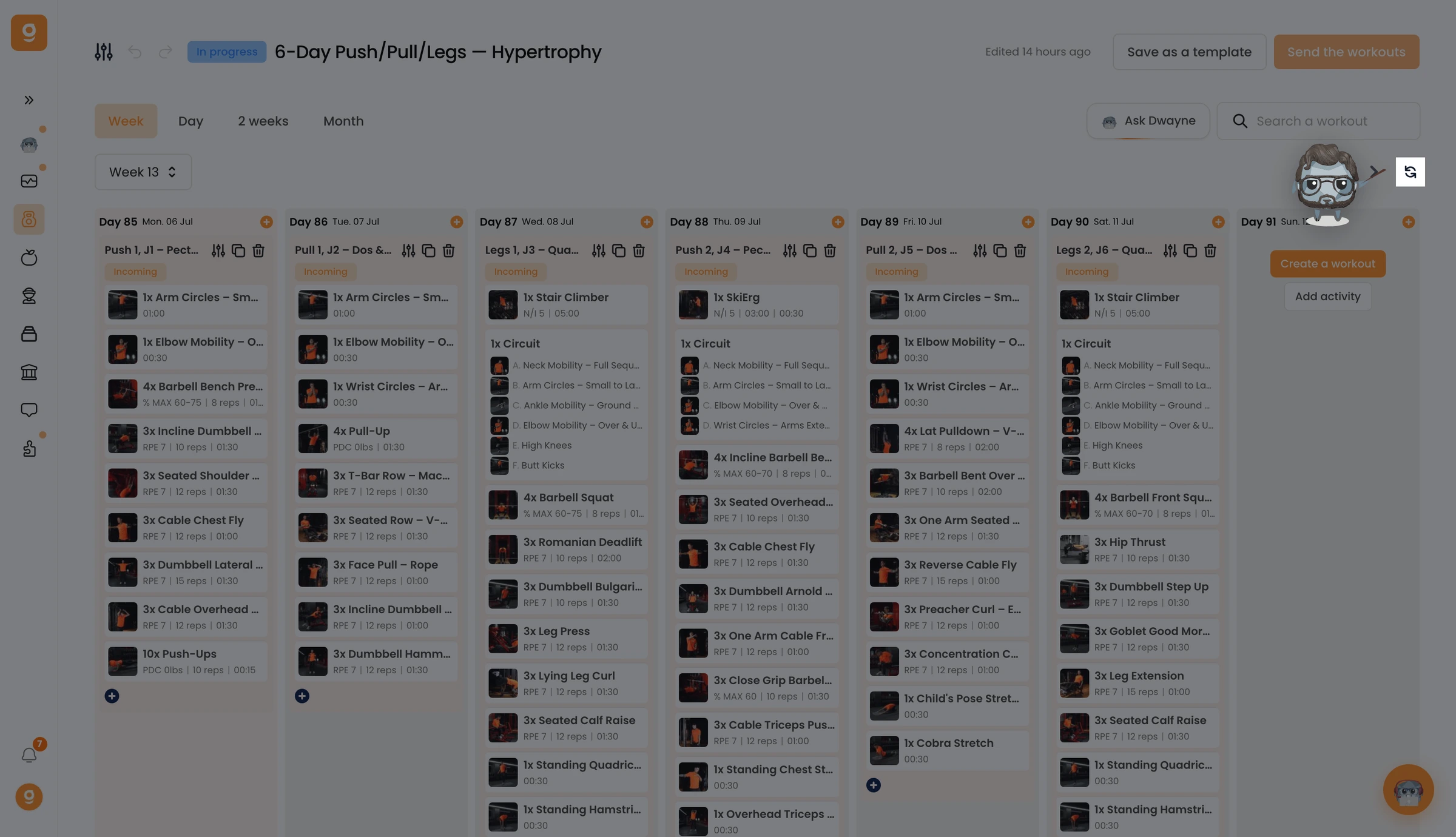
Click the “Duplicate” button located next to the week navigation arrows.

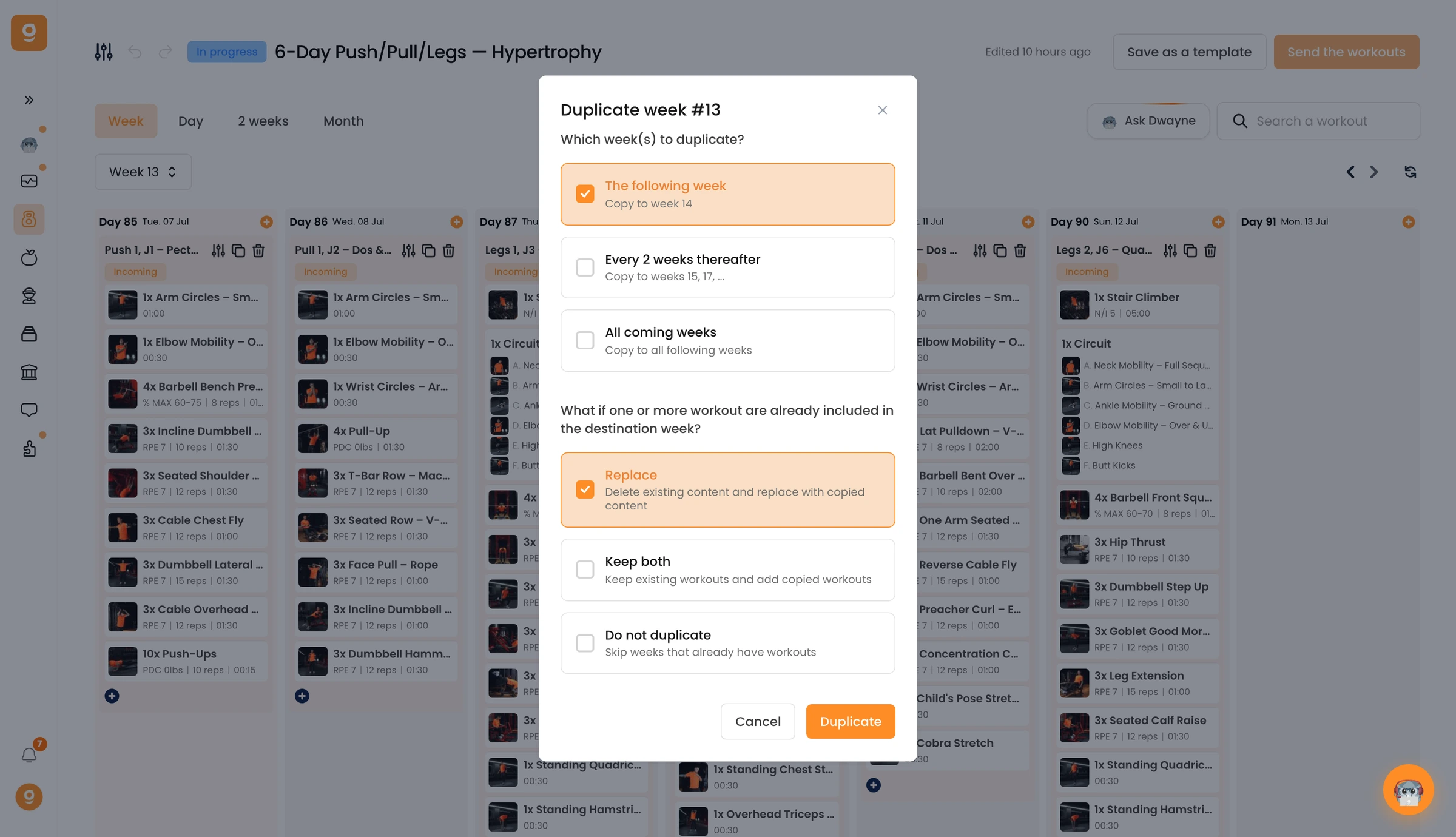
A pop-up appears letting you configure the duplication easily:

First, you’re asked how you want to duplicate the current week:

Do you want to duplicate this week to...

  1. Next week (only the following week)
  2. Every 2 weeks (one week out of two)
  3. All following weeks (every week in your program)

Then, you’re asked what to do if workouts already exist in the target weeks:

Do you want to...

  1. Replace the old workout with the new ones you’re duplicating
  2. Keep both workouts (old + new — your client will have two workouts that day)
  3. Do not duplicate (if a workout already exists, the new one won’t be added)

For example, if you choose to duplicate every 2 weeks:

You’ll see a confirmation of the duplication at the bottom (if it doesn’t appear, duplication didn’t happen).

If you check week 2 — nothing will be there (skipped).

If you check week 3 — your workouts have been properly duplicated.

You can verify by changing the view in the program builder (e.g. show only first workouts of weeks).

这篇文章对你有帮助吗?

还需要帮助吗?

我们的团队和 Gymkee AI 助手 Dwayne 随时为你服务。

询问 Dwayne